
Projects and accounts
Work with the accounts associated with your project. Keep their identifiers aligned with your own application and operational records.
WALLET INFRASTRUCTURE
Connect project accounts, wallet addresses, balances and transfers to your platform. Give your product and operations team a consistent way to work with on-chain funds.
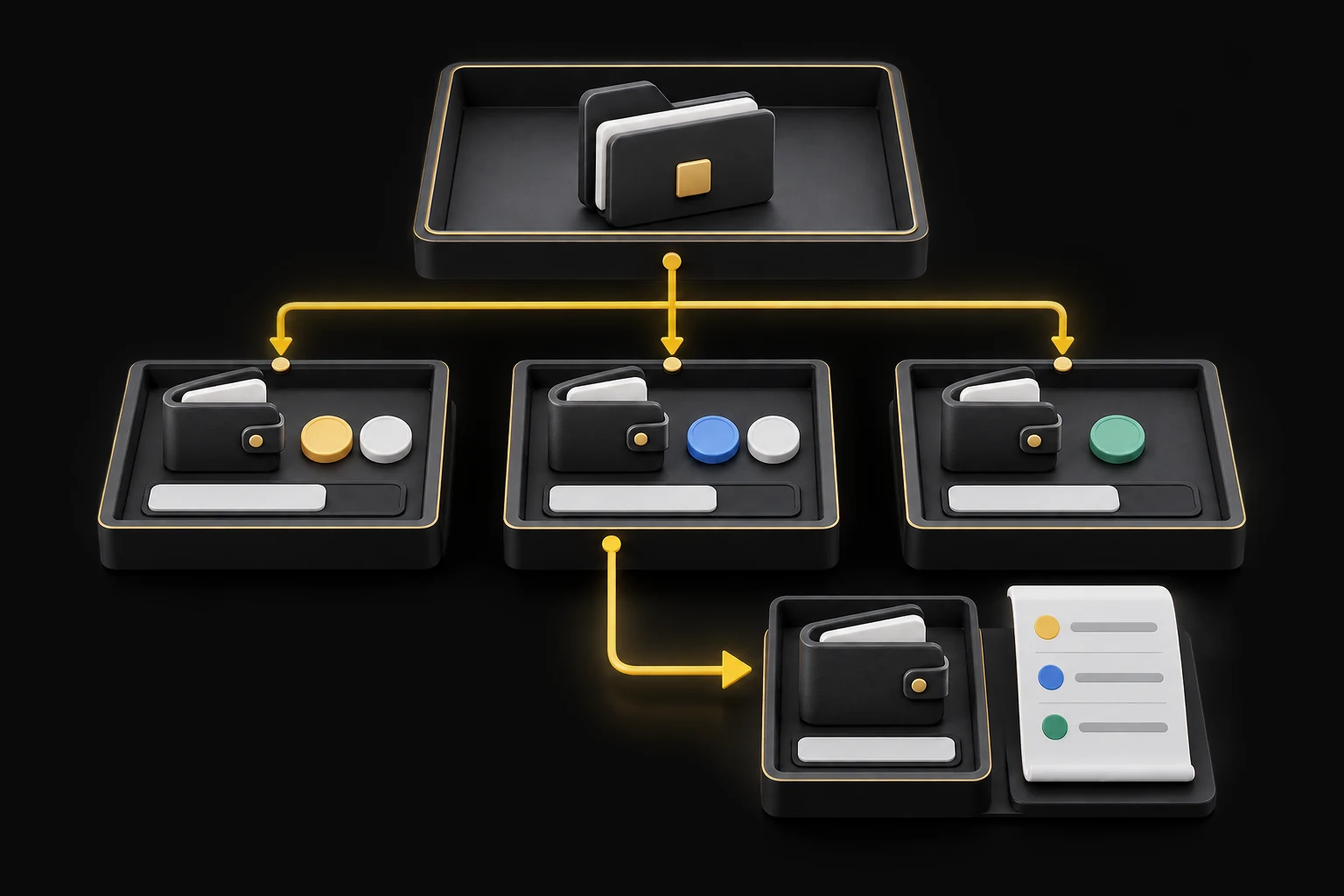
Illustrative account structure · Connected to your application.
Use project and account references to connect wallet activity with your business. Query an account’s address, asset, network and balance without losing the relationship to the project it belongs to.
Work with the accounts associated with your project. Keep their identifiers aligned with your own application and operational records.
Retrieve the collection or wallet address and identify the asset and chain associated with an account.
Query on-chain account balances for product displays, operational checks and reconciliation.
Identify the source account, supported asset and network, receiving address and amount.
Initiate the transfer from your backend using the agreed authorization flow.
Follow processing, review, success or failure states before updating your business records.
Use the transaction hash, addresses, amounts and transfer history to trace the movement.
Connect account balances and transaction status to the experience inside your app.
Build transfer initiation and follow-up into your internal operational workflow.
Query transfer history by project, asset, network or period for investigation and reconciliation.
Wallet operations require clear rules for who can initiate a transfer, how it is authorized and how keys and funds are controlled. Scope these alongside supported networks, assets and account structure before implementation.
Use business on-ramp services to buy crypto with fiat, or off-ramp services to convert crypto into funds for your business bank account. Plan the receiving wallet, bank account and transaction references alongside your wallet operations.
Wallet infrastructure focuses on accounts, balances and fund movements. The Crypto Payment Gateway adds the collection workflow: associate an incoming transfer with a customer, confirm it and notify your platform to credit its own ledger.
Organize accounts within projects and map those references to your application. Retrieve supported asset and chain information for the integration, then keep balances, transfer state and business records connected.
Retrieve project accounts, addresses and on-chain balances for the relevant asset and network.
Submit an authorized transfer from your backend and retain the returned reference for follow-up.
Query status and transfer history. Use the transaction hash to trace the on-chain movement.
Give your backend a consistent way to query balances, authorize transfers and follow transaction status when software clients initiate a workflow. Keep signing credentials and transfer permissions on the server. Pair wallet operations with x402 payment acceptance when an API or AI service charges for access.